

### Blog Post:
Smart lock with camera doorbell systems are changing how renters secure and monitor their homes. These clever devices promise keyless access and video awareness in one, usually without the fuss of wires or drilling. But is it really that easy for renters to upgrade their door security without hitting roadblocks?
Key Takeaways
- Most renters want non-wired, easy-to-install smart locks with an integrated camera doorbell—but privacy, legal compliance and genuine ease-of-use are often misunderstood or overlooked.
- Common issues include installation challenges, unclear landlord approval, privacy risks, and remote access that sometimes requires extra hardware.
- Careful product research and lease review are essential before installing any smart lock with camera doorbell in a rental property.
- Understanding Smart Locks with Camera Doorbells for Renters
- Step-by-Step Guide: Installing and Using a Smart Lock With Camera Doorbell
- Advanced Analysis & Common Pitfalls for Renters
- Conclusion
- FAQ
Understanding Smart Locks with Camera Doorbells for Renters
A smart lock with camera doorbell combines two devices: a keyless entry system and a video doorbell that lets you see and speak with visitors. For renters, the appeal is clear—no more lost keys, no missing package deliveries, and a way to check who’s at your door using your phone or a linked smart display. These setups are increasingly wireless and offer installation that doesn’t require drilling or rewiring, an important factor for lease compliance and future move-outs.
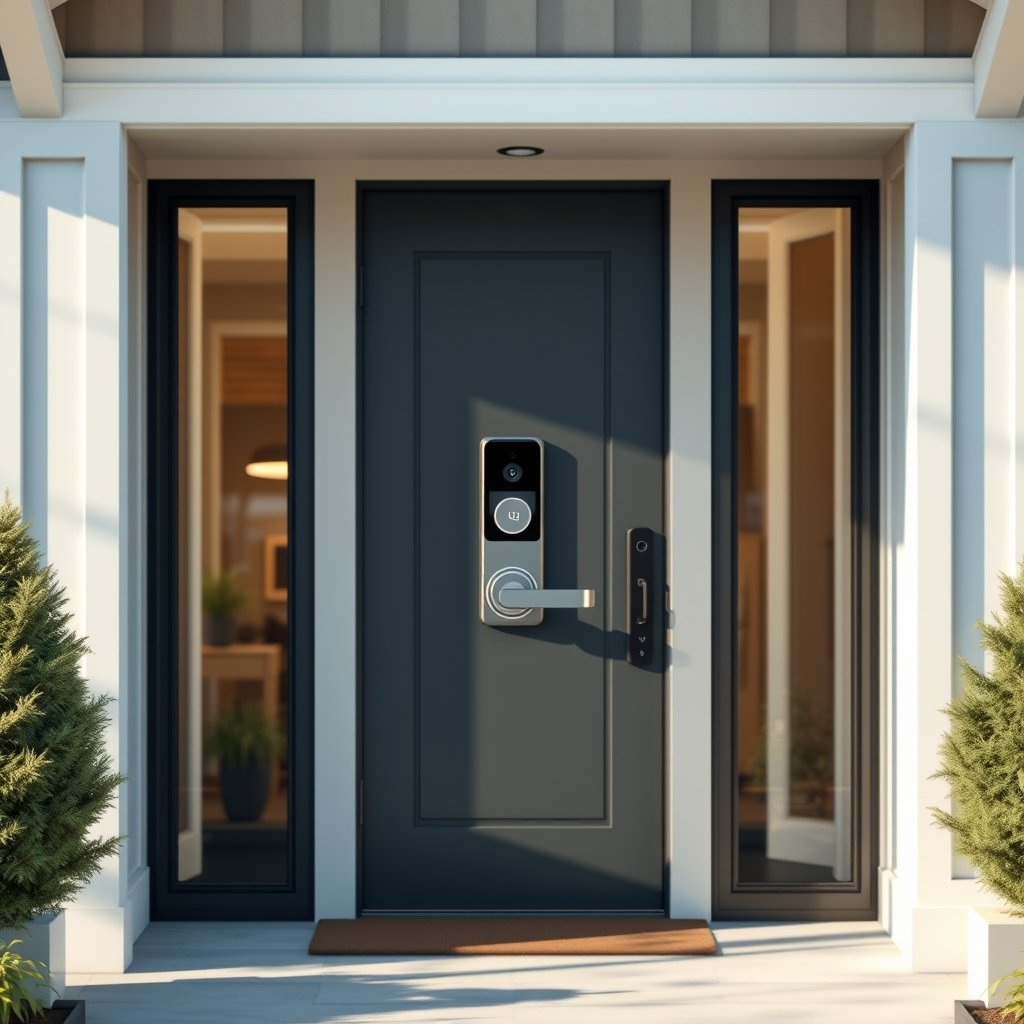
Recent industry data shows a strong shift in demand: 93% of all smart door-lock buyers want integrated video alongside their locks, with about half considering it “must have” (source). However, this data isn’t specific to renters. The core concept remains: renters seek landlord-friendly, non-invasive upgrades that boost both access convenience and peace of mind.
Step-by-Step Guide: Installing and Using a Smart Lock With Camera Doorbell
Before you start, verify your lease terms and talk to your landlord. Some leases prohibit any changes to door hardware or visible modifications. Even if installation is “tool-free” and reversible, always get written permission for smart locks or camera doorbells.
-
Identify compatible devices
Renters should choose a battery-powered smart lock with camera doorbell that fits standard existing locks, does not require Wi-Fi or hardwiring, and preferably offers Bluetooth or local wireless control. Check reviews and specs for true “renter-friendly” features. -
Secure permission
Formalize landlord approval in writing; clarify who controls lock and camera permissions, app accounts, and who receives automatic notifications. -
Prep the door area
Clean and measure your existing lock and doorbell spot. Keep a screwdriver handy if needed, but avoid anything that alters or damages original hardware. -
Install the smart lock and camera-doorbell unit
Follow the manufacturer’s stepwise guide. Most models install in under 30 minutes and come with templates or tools for precise fitting. Some models require mounting a plate over the deadbolt or using adhesive for the video component. -
Download and configure the control app
Pair your phone with the smart lock with camera doorbell using Bluetooth or another specified protocol. If remote access is important (unlocking/checking camera from anywhere), you may need a gateway hub—this could be a hidden extra cost.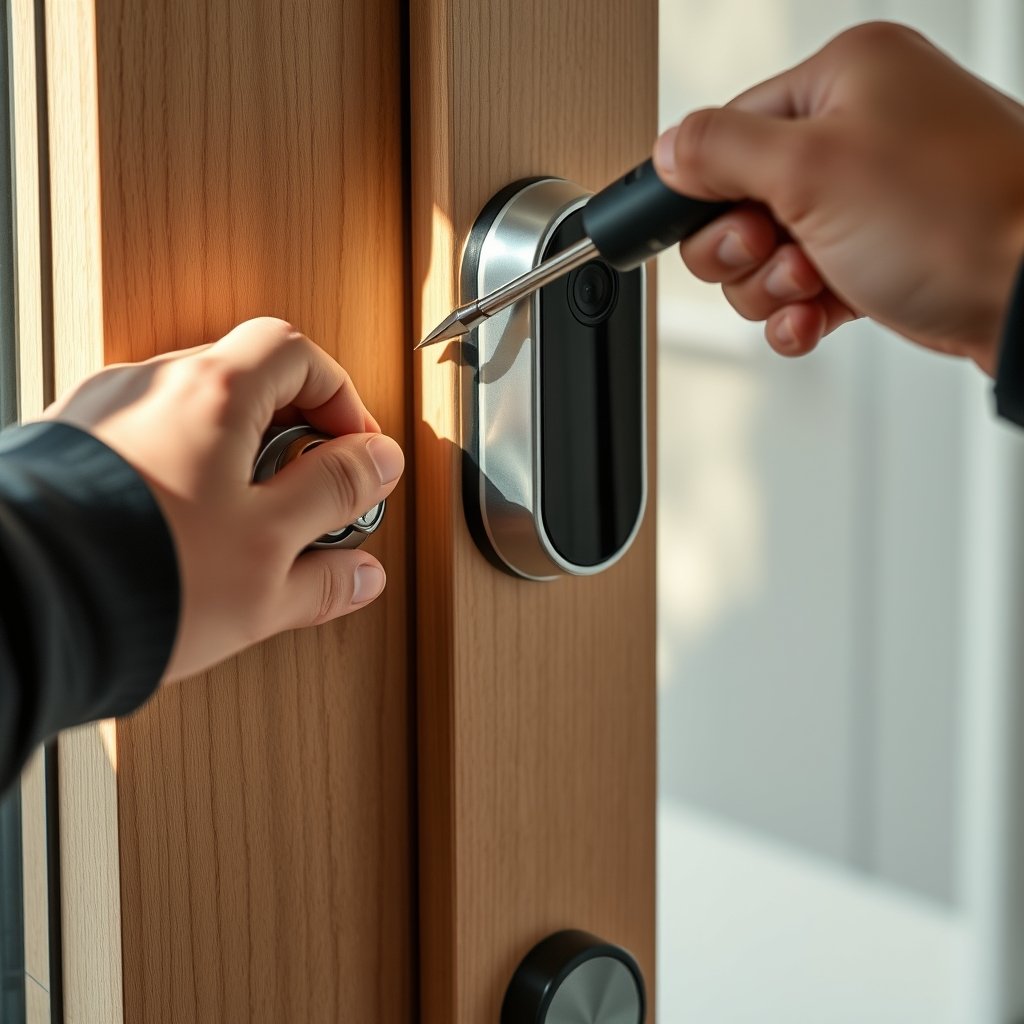
-
Test all functions
Try keypad entry, video streaming, recording, audio talkback, notifications, and remote unlocking (if enabled). Add user codes or virtual keys for roommates, family, or service workers and check permission controls. -
Practice privacy & legal compliance
Review your camera’s default recording settings. Mute audio recording unless local laws and all residents agree—many US states require everyone’s consent for audio. Make sure notifications and footage are only stored on your account, not your landlord’s. -
Maintain your system
Monitor battery life in the lock and camera components (these usually require AA or CR123 batteries, but check your model). Store new sets of batteries and set low-battery alerts in the app. If you need temporary access solutions (for pet sitters or contractors), some locks let you schedule or limit user codes.
This process helps minimize hassle, cost, and conflict with your landlord or neighbors. For more smart home DIY tips, including cordless drill safety for renters or using screwdrivers for reversible installs, check our other guides.
Advanced Analysis & Common Pitfalls for Renters
Smart lock with camera doorbell solutions are promising, but real-world reviews show common challenges for renters. Here’s what to watch out for—and what most online buying guides forget:
| Pitfall | Why It Matters | How to Avoid |
|---|---|---|
| Landlord approval/lease violations | Installing smart locks or cameras without notice is a common lease breach and could risk eviction or deposit loss. Some landlords also want control or access to footage—raising privacy red flags. | Get explicit written permission. Clarify account and footage control before installing. Ask about restoration requirements at move-out. See full tenant rights info at ReadyYourLease. |
| Privacy and surveillance risk | Camera and especially audio recording at the door may violate consent laws in several states and create tension with neighbors or roommates. Some lock apps allow landlords or property managers to access logs or footage if they control the account. | Disable audio (default is usually off for compliance). Only use personal accounts. Check state consent laws (details here). |
| Incomplete installation instructions; parts surprises | Many products claim “no tools,” but installation still trips up renters because doors are misaligned, or the smart lock box doesn’t fit the existing mechanism. Remote app control may also need an extra hub or gateway, raising cost and complexity. | Buy models specifically marked “renter friendly” or no new holes or screws. Double-check for extra gateway/hub requirements before purchasing. See comparisons in this in-depth feature guide. |
| Battery and remote access limitations | No model lasts forever—battery failures lead to lockouts. Some locks offer only local Bluetooth entry unless extra hardware is added, which can surprise renters who expect true remote access. App notification reliability varies by model. | Pick a model with strong battery life/user alerts. Have physical backup keys if possible. Check notification and remote access reviews on independent sites—PCMag’s coverage is a good starting point. |
| Legal risk of audio recording and neighbor disputes | In all-party consent states (CA, FL, IL, PA, MA, others), recording conversations near your door without full consent may be illegal—even if your purpose is security. Signs or stickers may not fully protect you. | Disclose camera and (if enabled) audio use to roommates and neighbors if appropriate. Prefer video-only or audio-muted operation. For details, see legal explanations here. |
- Looking for more ways to upgrade your living space? Compare robot vacuums for apartments or discover wireless home camera ideas for renters without lease headaches.
Conclusion
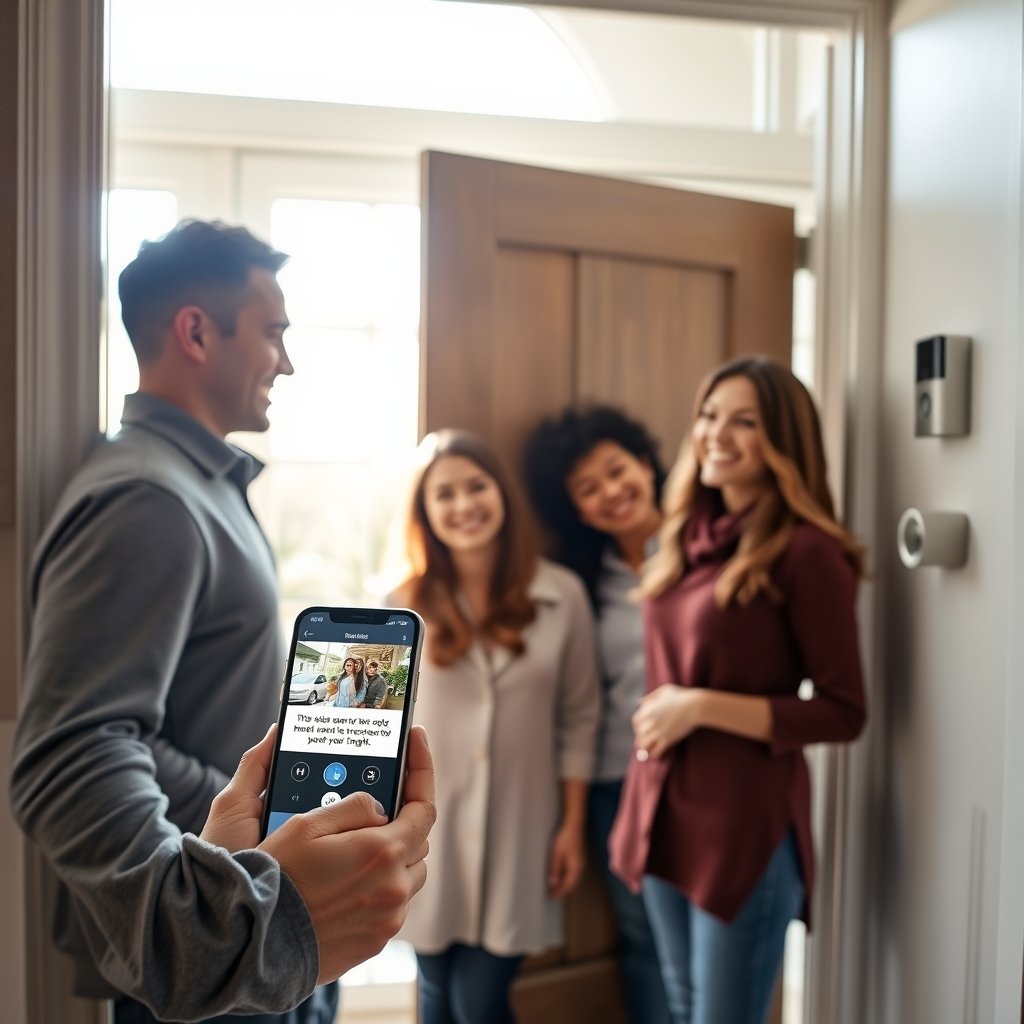
Smart lock with camera doorbell solutions can dramatically improve security and convenience for renters—but they are not a plug-and-play magic bullet. Always verify lease and privacy constraints, double-check the real demands of installation, and prepare for possible extra costs or compatibility problems. With careful planning, renters can enjoy both digital access and doorfront visibility—just make sure the transition is smooth for everyone, including landlords and neighbors. Ready to upgrade? Start your search by reviewing landlord rules and comparing top battery-powered smart locks with camera doorbells that truly fit rental needs.
If you’re considering other simple upgrades, check out the best LED garden lights for renters or top-rated water filter systems for easy home improvements.
FAQ
Can I install a smart lock with camera doorbell in my apartment without landlord approval?
Usually not—most leases require permission before altering door hardware or adding external devices like camera doorbells. Installing without approval could risk a lease violation. Always get written permission first.
Will my landlord have access to my lock codes or camera footage?
It depends on who sets up and controls the app account. If your landlord installs or manages the system, they may be able to access codes, logs, or camera feeds. Use your own account and clarify all permissions before install (details).
Do I need Wi-Fi for a smart lock with camera doorbell?
Some models work on Bluetooth locally—remote access (unlocking or viewing video from outside) usually requires Wi-Fi or a gateway hub, which could add to costs and complexity. Verify requirements before purchase.
How long do the batteries last in a battery-powered smart lock with camera?
Manufacturer claims vary, but plan on a few months to a year per set of batteries. Always choose models with clear low-battery alerts, and keep spares ready. Usage patterns and cold weather may shorten battery life.
Is it legal to record video and audio at my apartment entry?
Video is often allowed in private entryways (with notice), but audio recording can be illegal in states with all-party consent laws. To be safe, keep audio recording off unless everyone agrees and local law allows.
—